How to Make a Birthday QR Code Card That Opens Your Surprise
Make a birthday card that opens a personal celebration link. Learn the QR steps, print checks, plain-link backup and the 24-hour birthday-page limit.
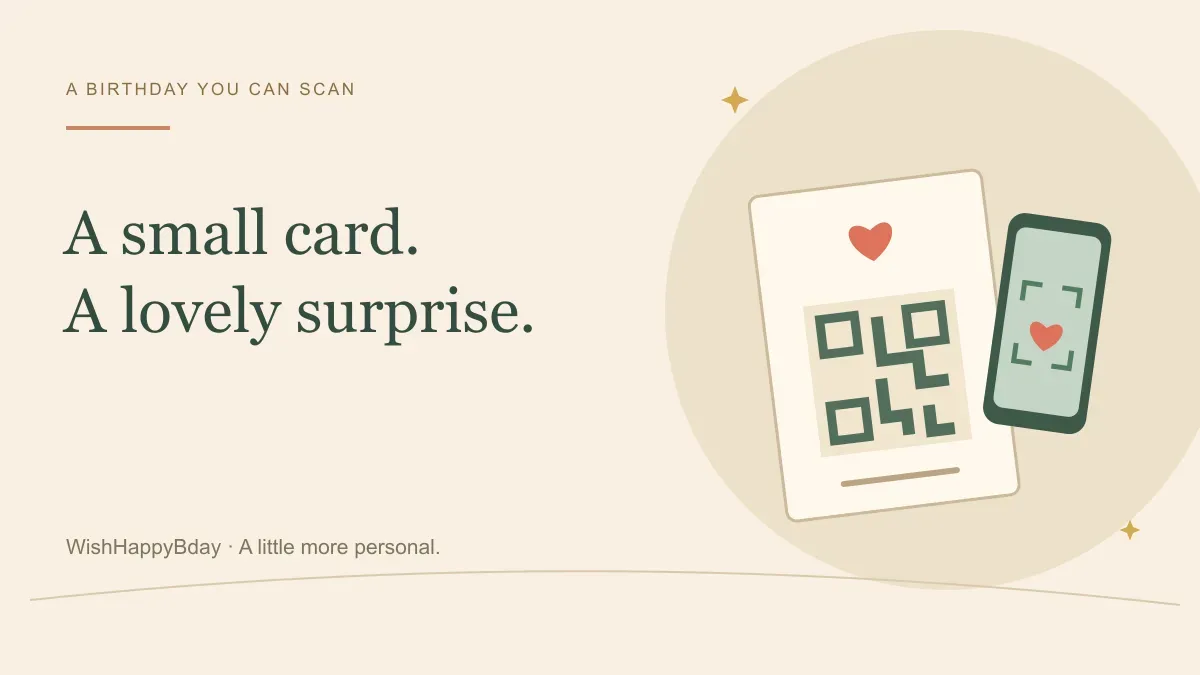
A birthday QR code card is a physical card or image with a scannable code that opens a birthday link. Create the destination first, generate a QR code for its exact public URL, and scan a test copy before giving it to the recipient. Print a short instruction and a readable link beside the code so the surprise does not depend on scanning alone.
To make the destination, create a birthday celebration. WishHappyBday offers a free Standard page with photos, messages and music, plus paid options. Plan the timing carefully: customer celebration pages stay public for 24 hours from publication or their scheduled opening. A printed QR code does not extend that window.
Choose what the birthday QR code should open
Start with the experience, not the pattern of squares. The code might open a personal birthday page, an online letter or a video hosted somewhere you control. Use one clear destination instead of a page that sends the recipient through several unrelated links.
For a WishHappyBday card, free Standard uses three photos and messages. Paid Birthday Story offers a chapter-based surprise with three to five photo memories. Creator sign-in is required; guests can open the shared page without an account.
Anyone who gets the code also gets the link. A QR code is a convenient way to share a destination, not a password or a privacy barrier. Keep personal photos and messages within the circle you intended.
Create the celebration before printing the code
Prepare the message and photos, choose your format and review the public link. Do not encode a dashboard URL, a private preview address or a login link. The destination should be the celebration address that you intend the recipient to open.
If the birthday is later, review the scheduled-opening fields before publishing. The builder resolves time from the creator's country and a matching browser zone where available; the unpublished form does not show the resolved named zone. Confirm your device zone and country, and remember the opening time is fixed after publication. The time-zone planning guide explains how to prepare a cross-country reveal.
Copy the complete URL rather than typing it from memory. A missing character in a personal route can lead to the wrong page or an unavailable page. Keep a copy of the exact address in your notes so the code and the printed text can match.
Use the share image or make a separate QR code
Once a WishHappyBday celebration is live, open Share and choose Still image to prepare artwork containing its address and QR code. Keep the visible address with the QR when placing that artwork in a card. For a card prepared before a scheduled opening, make a separate QR code from the published celebration URL; the built-in share artwork is unavailable until the celebration opens.
If you want a different card layout, use a QR tool that accepts your public URL. Canva's QR documentation distinguishes static codes, whose destination is fixed when created, from dynamic codes whose destination can be edited. Check the current tool's options and terms instead of assuming every QR service offers the same behaviour.
A simple separate-code workflow is:
- Copy the public celebration URL.
- Paste it into the QR tool's destination field.
- Generate and save the code.
- Add it to your card with the recipient's name and an opening instruction.
- Compare the encoded destination with the plain link you intend to print.
You do not need to put login credentials, payment information or personal form data into a QR code. The public celebration URL is enough.
Design a card people can actually scan
Give the code a clear background and keep it away from busy artwork. Preserve the empty border around it instead of cropping tightly to the outer squares. Do not stretch the code into a rectangle or place a sticker over part of it.
There is no single print size that guarantees a successful scan in every situation. The amount of encoded data, printing quality, contrast, viewing distance and phone camera all matter. Use a comfortable size in the finished card, then try the actual printed version under ordinary room lighting.
A short original card message could be:
A few favourite memories, just for you. Scan to open your birthday surprise on 12 June after breakfast. If scanning is awkward, use the link written below. Love, Sam.
Replace the date and opening instruction with your real plan. The birthday letter guide can help with the message behind the code.
Check the printed card before the birthday
Scan the code from the card you will actually give, rather than only from a large image on your computer. Try a second phone if you can. Read the destination preview before opening it, and confirm it points to the correct website and personal route.
Check these details:
- The code opens the intended public address.
- The plain-text URL matches the same destination.
- The card does not fold through the code.
- A glossy surface or dark printing does not obscure the pattern.
- The recipient has a clear opening instruction.
- The scheduled time and public-window end fit your delivery plan.
If the celebration has not opened yet, a scheduled screen can be expected; that is different from a broken link. Do not start an unscheduled celebration days early solely to test it, because publication starts its 24-hour clock.
Plan for scheduled opening and expiry
A card handed over in person is easier to coordinate than one sent through the post. If delivery could take several days, do not assume the recipient will scan during a single 24-hour window. Arrange the opening with them or choose a destination with a lifespan that suits the delivery method.
You can also give a physical card now and send the celebration link when it opens. That keeps the personal gesture while making the viewing time clear. WishHappyBday does not automatically send that later message for you.
After the celebration's public window ends, the code may still point to the same URL, but the birthday content will no longer be publicly available. If a lasting file matters, review the paid creator-download options and save an entitled export during the live window. Keep the original photos and text yourself.
Birthday QR code questions
Can someone scan the code on the same phone?
They cannot point that phone's camera at its own screen. Depending on the device, they may be able to save the image and use Photos or Lens. A normal clickable link is the simplest backup in a message.
Does a dynamic QR code make the birthday page permanent?
No. Changing a code's destination and keeping the destination content available are separate things. The celebration's own expiry still applies.
What should I make first?
Create and preview the birthday celebration, confirm its public address and opening plan, then prepare the card and code. That order gives you a real destination to check before anything is printed.
From birthday ideas to a birthday surprise
Give your message a place to celebrate
Choose three meaningful photos, add your birthday message and music, then share one personal link by text, email or WhatsApp.
Sign in to create. Guests can open your link without an account. The Standard link is free and stays public for 24 hours after it starts. Video downloads require Standard Premium or a paid Birthday Story. Compare plans.