How to Send a Free Virtual Birthday Cake Link With Name, Photos and Song
Send a birthday surprise link with their name, three favorite photos, and a birthday song, or unlock an interactive cake and candles reveal on their phone.
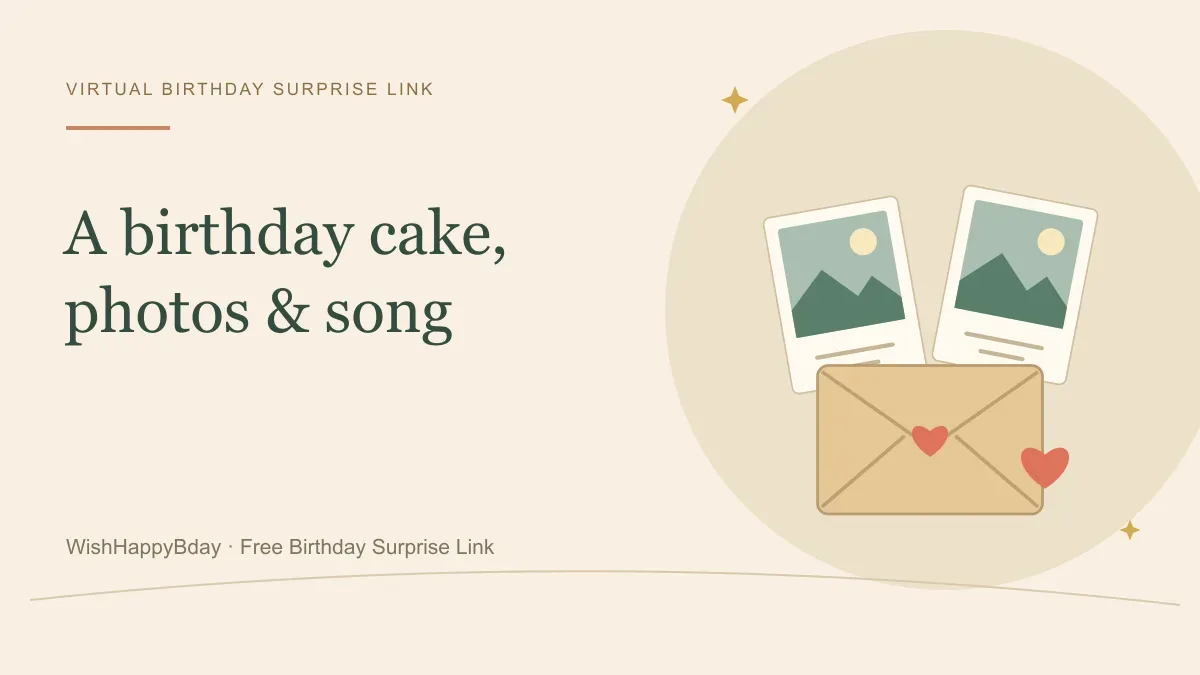
To send a birthday surprise link with their name, photos, and a birthday song, build a personalized celebration page that opens directly in their phone browser. On WishHappyBday, the Standard celebration is free to create, publish, and share with three photos, custom messages, and music; upgrading to Standard Premium or a paid Birthday Story adds an interactive gift unwrap, virtual birthday candles to tap out, cake cutting, and a downloadable MP4 video.
If you have three photos ready, you can create your birthday surprise link in a few minutes and share it on WhatsApp, iMessage, Instagram, text, or email.
What opens when they tap a birthday link with name, photo and song
Searchers looking for a birthday wishes link with name and photo and song or a virtual birthday cake link usually want something more personal than a static image. Depending on the celebration option you choose on WishHappyBday, here is what your recipient experiences on their phone:
- Free Standard Celebration ([preview Mike's demo](/mike)): Opens with an animated greeting displaying their name, plays your chosen birthday song, presents three framed photos with a personal caption under each memory, and lets friends or family leave live birthday wishes without creating an account.
- Standard Premium Interactive Cake & Candles ([preview Matt's demo](/matt)): Starts with a wrapped 3D-style gift box on screen. The recipient taps to unwrap the box, taps three flickering birthday candles on the cake to make a wish, and cuts the cake before your three photos, messages, and music appear. Includes a creator MP4 video download.
- Birthday Story ([preview Elena's demo](/elena)): Opens with a personalized birthday arrival and cake moment, unfolds a letter from an envelope, pops floating wish balloons with reasons you appreciate them, walks through 3 to 5 photo memories, and reveals a scratch-off secret message. Includes both MP4 video and PDF memory book keepsakes upon paid publication.
Check regional one-time pricing for Standard Premium and Birthday Story on the pricing page, or compare every feature in our celebration types guide.
Step-by-step: How to make a happy birthday link with name, photo and song
You do not need coding or video-editing software. Follow these steps in the online birthday website maker:
- Sign in with a free creator account: Your account lets you preview your page, publish your link, or pause public access anytime. Your recipient and guests never need to log in or install an app.
- Choose your animated template: Pick Heartfelt Bloom (Love) for a partner, Friendship Pop (Friend) for a best friend, or Family Embrace (Family) for parents, siblings, and kids.
- Select the birthday song: Preview the included instrumental and celebratory tracks on the birthday music page or inside the builder. When the recipient opens the link, they can start with sound on or mute it anytime.
- Add three photos and personal captions: Upload three clear JPEG, PNG, or WebP photos. Write a headline with their name and a one- or two-sentence memory for each photo.
- Pick their custom URL and opening time: Choose a clean route (such as their first name), preview the full celebration, and publish immediately or schedule it to unlock at midnight in their time zone.
Ready-to-copy messages to send with your virtual birthday cake link
When you paste your link into WhatsApp, iMessage, or Instagram DM, keep the chat message short so you do not spoil the reveal before they tap:
- Happy birthday! I made a little birthday page with our favorite photos and a song—tap the link and turn your sound on.
- Put your wish ready before you open this: I built a birthday surprise link just for you.
- Since I cannot hand you a real slice of cake right this second, open this birthday link on your phone first!
- Happy birthday! Tap to open your birthday card, check out the photos I picked, and make a wish.
- A small midnight surprise for my favorite person—open the link when the clock hits 12:00.
Need longer messages to put inside the page itself? Use our free birthday message generator or browse our interactive birthday card link guide.
Questions about virtual birthday cake and song links
Can I add photos, a name, and music for free?
Yes. The Standard celebration on WishHappyBday is free to create, preview, publish, and share. It includes the recipient's name in the headline, three photos with your captions, a track from the included music library, and live guest wishes for 24 hours.
Which option includes the interactive birthday cake and candles?
The interactive gift unwrap, three candles to tap out, and cake-cutting sequence are part of the optional Standard Premium upgrade (and Birthday Story includes its own interactive cake, envelope letter, and scratch card). You can preview Matt's Standard Premium demo for free before deciding whether to upgrade.
How long does the birthday link stay live, and can I keep the video?
Every published celebration stays live for 24 hours from publication or from its scheduled start time. If you choose Standard Premium or Birthday Story, the creator can download the complete celebration—including photos, messages, animations, and music—as an MP4 video during that 24-hour window to keep forever. Read our MP4 video download guide for details.
From birthday ideas to a birthday surprise
Give your message a place to celebrate
Choose three meaningful photos, add your birthday message and music, then share one personal link by text, email or WhatsApp.
Sign in to create. Guests can open your link without an account. The Standard link is free and stays public for 24 hours after it starts. Video downloads require Standard Premium or a paid Birthday Story. Compare plans.